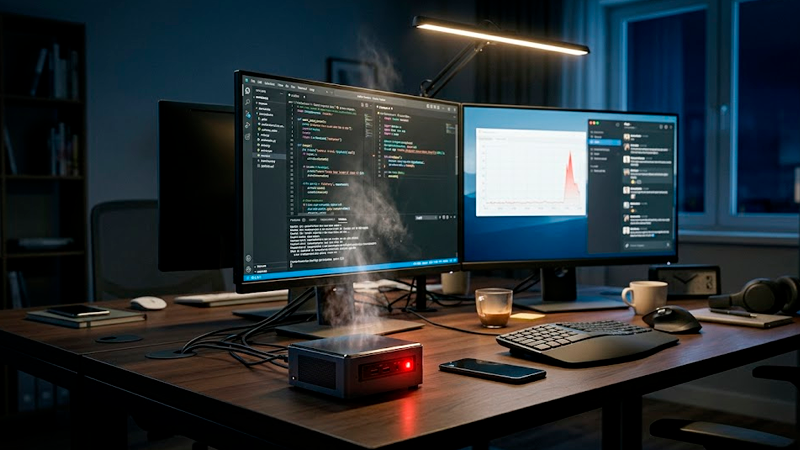
Remote Workers Are Discovering the Hidden Costs of Cheap Mini PCs
Mini PCs exploded in popularity for a simple reason.
They look efficient.
Small size, low power consumption, clean desk setup, and surprisingly attractive prices make them feel like a smart upgrade for remote workers. A compact computer with decent specs for $280 or $350 sounds far more modern than buying a bulky desktop tower.
For basic browsing, video calls, spreadsheets, and email, many mini PCs work perfectly during the first few months.
Then heavier daily use starts exposing problems most buyers never considered.
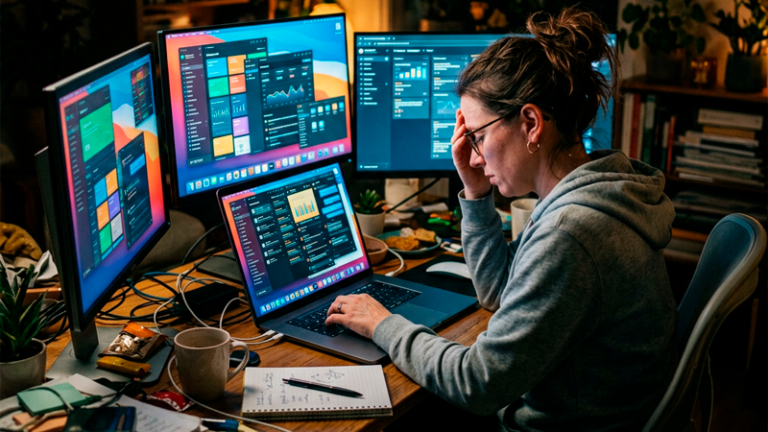
Suddenly the device runs hot during meetings. Performance drops while multitasking. Storage fills up faster than expected. Fan noise becomes constant. Some models struggle to support multiple monitors smoothly even when advertised for productivity.
The biggest issue is that many people buy mini PCs based on specifications alone instead of long-term workflow stability.
And once remote work depends entirely on that machine every day, small hardware limitations quickly become expensive frustrations.
Low-cost mini PCs often cut corners in places buyers rarely check
A lot of buyers compare processors and RAM while ignoring everything else.
That mistake matters.
Some low-budget mini PCs use older SSDs with inconsistent speeds, weaker cooling systems, lower-quality power supplies, or limited upgrade options hidden behind attractive marketing pages. On paper, two devices may appear almost identical. In practice, their long-term reliability can feel completely different after six months of heavy use.
Thermal management is one of the biggest hidden problems.
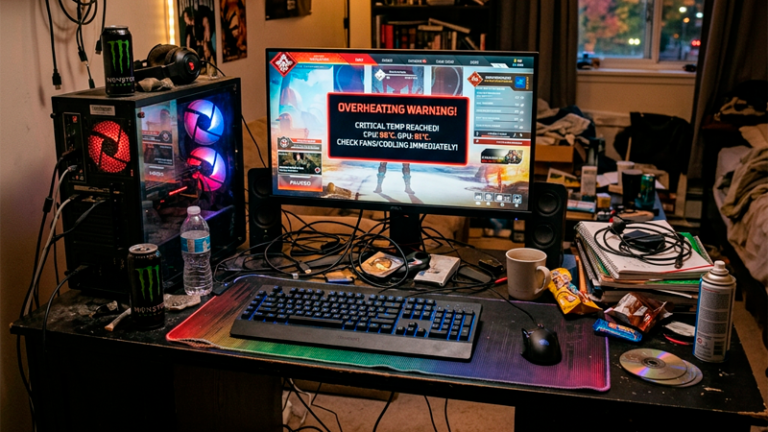
Because mini PCs operate inside extremely compact cases, cooling becomes harder under continuous workloads. A machine may perform well during short benchmark tests but slow down significantly after running multiple browser tabs, Zoom meetings, cloud syncing, and background apps simultaneously for several hours.
This issue becomes worse during summer months or inside poorly ventilated home offices.
A remote worker editing documents all day may tolerate occasional slowdowns. Someone handling video editing, design software, or multiple dashboards usually notices the limitations much faster.
The real cost appears when productivity starts breaking down
One overlooked reality of remote work is that small technical interruptions compound over time.
A desktop freezing twice per day sounds minor. But if each interruption breaks concentration for 10 minutes, that equals nearly 90 lost working hours per year. For freelancers, agencies, customer support teams, or designers billing clients directly, those interruptions have real financial impact.
Many remote workers underestimate how much they rely on workflow smoothness.
Constant lag during video calls creates awkward conversations. Delayed file syncing increases mistakes. Weak multitasking performance forces users to close programs repeatedly just to keep systems stable.
Some cheaper mini PCs also struggle with long-term storage management.
A device advertised with 256 GB storage may initially seem fine. But after operating system updates, work software, cached files, recordings, screenshots, downloads, and cloud sync folders accumulate, available storage disappears quickly. Once SSDs approach full capacity, performance degradation becomes noticeably worse on some lower-end models.
At that point, users often spend additional money on external storage, USB hubs, cooling accessories, or replacement devices earlier than expected.
The “cheap setup” quietly becomes expensive.
Many remote workers buy for current needs instead of future workload growth
This is where a lot of purchasing mistakes happen.
People often buy computers based only on what they do today. But remote work setups usually evolve much faster than expected.
Someone who initially handles emails and spreadsheets may later start editing videos, managing multiple monitors, running AI tools, attending constant video meetings, or handling heavier client software. A machine that feels perfectly acceptable today may become frustrating within a year.
That transition happens constantly with freelancers and small business owners.
A designer begins experimenting with motion graphics. A marketing assistant starts using heavier analytics platforms. A remote sales employee suddenly works with live CRM dashboards and recording software simultaneously.
In those situations, buying the absolute minimum hardware often creates replacement costs far sooner than expected.
A slightly more expensive desktop or laptop with stronger cooling, better upgrade flexibility, and additional RAM may last several years longer under growing workloads.
That changes the financial equation completely.
Compact setups sometimes sacrifice repairability and lifespan
Traditional desktop towers are not exciting visually, but they offer one major advantage.
Flexibility.
Many mini PCs are difficult to repair, difficult to upgrade, or heavily dependent on proprietary internal layouts. Some models allow RAM upgrades but not storage expansion. Others use components that are technically replaceable but extremely inconvenient to access.
Once problems appear outside warranty coverage, replacement becomes more likely than repair.
This issue is especially important for remote workers because downtime carries direct consequences. Waiting seven days for repairs while missing client work or internal deadlines can easily cost more than the original device savings.
One non-obvious problem is power efficiency versus sustained performance.
Mini PCs are excellent for reducing electricity usage. Some consume under 20 watts during basic tasks. But energy savings alone rarely compensate for unstable performance in productivity-heavy environments.
A remote worker saving $8 monthly on electricity while losing hours weekly to slowdowns is not actually saving money overall.
Marketing around minimalist workspaces influences buying decisions heavily
A lot of mini PC popularity comes from aesthetics.
Minimalist desk setups dominate social media. Compact devices photograph beautifully beside wireless keyboards, ultrawide monitors, and LED lighting. Small setups feel modern, clean, and optimized.
That visual appeal affects purchasing decisions more than people realize.
Some buyers prioritize appearance before evaluating workload compatibility. Others assume newer compact devices automatically outperform older traditional desktops simply because the design looks more advanced.
In reality, many older mid-range desktops still outperform ultra-cheap mini PCs during sustained multitasking sessions.
This does not mean mini PCs are bad products overall.
For lightweight office work, media streaming, digital signage, or basic productivity, many are excellent. Some premium models are surprisingly powerful and efficient.
The problem happens when buyers choose devices designed for casual workloads while expecting workstation-level consistency.
The smarter approach is matching hardware to work pressure
Remote workers usually benefit more from stability than from extreme portability or minimal desk size.
Someone working eight hours daily on a computer should evaluate:
- Long-term thermal performance
- Upgrade flexibility
- Multi-monitor stability
- Storage expansion
- Repair options
- Sustained workload behavior
- Warranty quality
Those factors matter more than compact appearance alone.
A slightly larger system with better cooling may remain reliable for years longer under constant pressure. Similarly, spending an additional $150 upfront for more RAM and storage often delays replacement costs significantly.
One interesting insight is that many professionals only realize their computer is underpowered after switching temporarily to a stronger machine. What previously felt “normal” suddenly feels frustrating once smoother multitasking becomes visible.
That shift changes expectations permanently.
And for remote workers whose income depends entirely on stable digital performance, buying the cheapest acceptable setup often becomes one of the most expensive decisions later.